Why Every Developer (and Internet User) Should Use a Password Manager!

Author
Tekrunner
Published
03 Apr, 2026
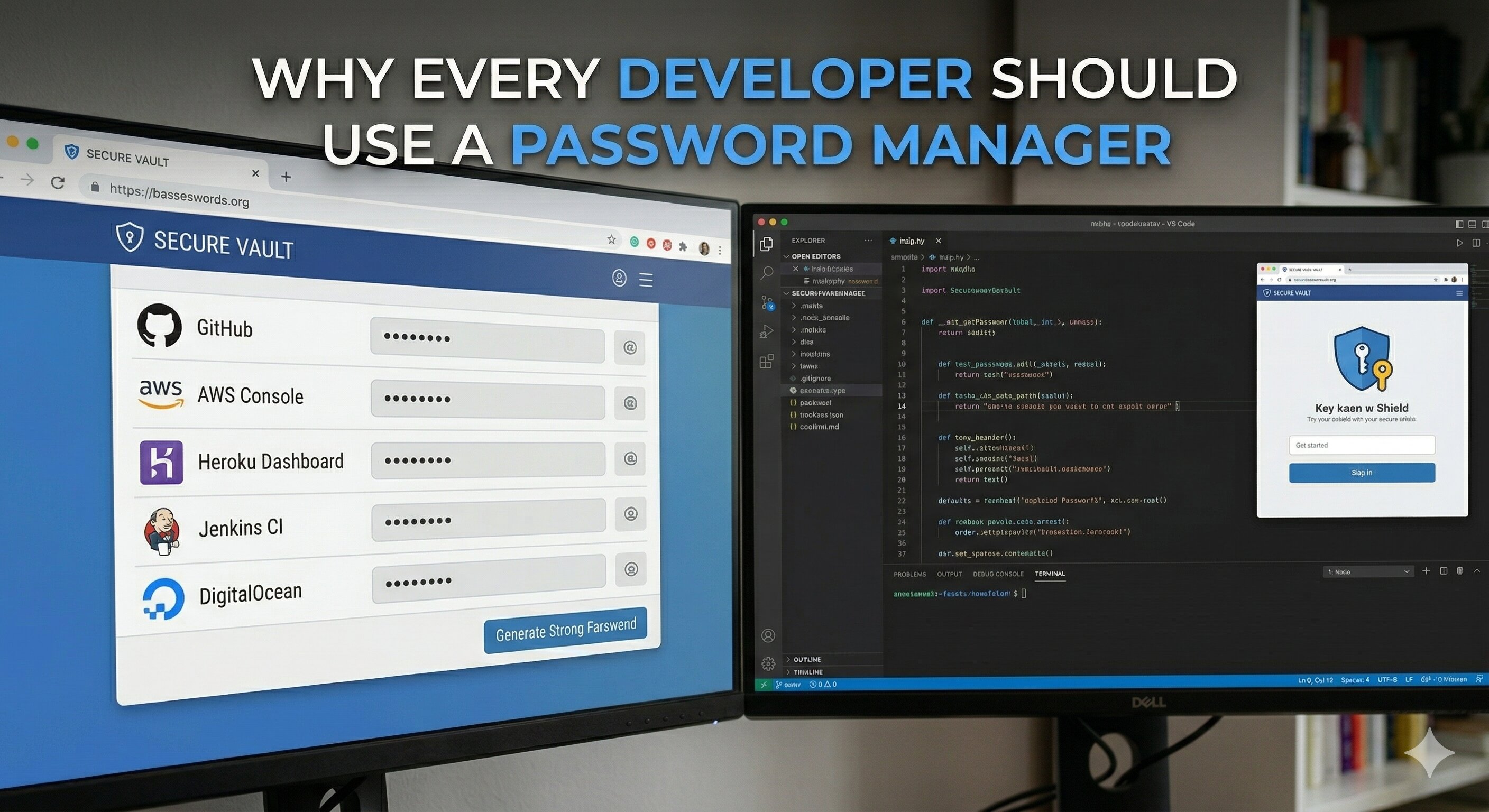
In today’s digital world, passwords are the keys to nearly every aspect of our lives. Email, banking, cloud services, social media, work tools, and developer platforms all rely on authentication to keep accounts secure. The average person manages dozens of online accounts, while developers and IT professionals often manage hundreds.
Despite this, many people still rely on memory, reuse passwords across multiple services, or store credentials in insecure places like notes apps or spreadsheets. These habits significantly increase the risk of account compromise.
One of the simplest and most effective ways to improve personal cybersecurity is by using a password manager. This article explains why password managers matter, how they work, and how to use them safely.
The Real Problem: Password Reuse
One of the biggest security risks on the internet is password reuse. Many users create one “strong” password and use it for multiple services. While this might feel convenient, it creates a single point of failure.
Data breaches happen frequently. When a company’s user database is leaked, attackers gain access to millions of email and password combinations. Even if the passwords are hashed, some eventually get cracked.
Attackers then perform credential stuffing, where they automatically try those same credentials across other websites like email providers, banking platforms, and developer tools.
If you reuse passwords, a breach on a small forum or forgotten service could eventually give attackers access to your email, cloud infrastructure, or financial accounts. This is where password managers become essential.
What Is a Password Manager?
A password manager is a secure application designed to store and manage login credentials. Instead of remembering dozens of passwords, you only need to remember one master password.
The password manager stores all your credentials inside an encrypted vault. When you visit a website or open an app, the password manager can automatically fill in the correct username and password.
Most modern password managers also generate long, random, and unique passwords for each service.
For example, instead of using:
MyPassword123
A password manager might generate:
u$9F!2xQ7@zLw3#pB8
These passwords are extremely difficult to guess or brute-force.
Why Password Managers Improve Security
1. Unique Passwords for Every Account
The most important benefit is that you can use a different password for every service. If one website suffers a data breach, attackers cannot reuse that password anywhere else. This dramatically reduces the impact of breaches.
2. Strong Password Generation
Humans are bad at creating truly random passwords. We tend to use patterns, names, or predictable substitutions. Password managers generate completely random passwords that are much harder to crack.
Most allow configurable lengths, often between 16–32 characters.
3. Protection Against Phishing
Many password managers only autofill credentials on the exact domain they were saved for.
Example:
Saved domain: github.com
Phishing site: githuub-login.com
Since the domain does not match, the password manager will not autofill credentials, helping prevent phishing attacks.
4. Convenience and Speed
Password managers are often faster than manually typing credentials.
- Browser extensions
- Mobile autofill
- Cross-device synchronization
You can log in with a single click rather than remembering complex passwords.
How Password Managers Keep Data Safe
A common concern is: “What if the password manager itself gets hacked?”
Most modern password managers use end-to-end encryption and a zero-knowledge architecture.
- Your data is encrypted before it leaves your device
- The service provider cannot see your passwords
- Only your master password can decrypt the vault
Even if the service’s servers were breached, attackers would only obtain encrypted data that is extremely difficult to decrypt without the master key.
Best Practices When Using a Password Manager
Use a Strong Master Password
Your master password protects your entire vault, so it should be long and memorable. Use a passphrase instead of a short complex password.
correct-horse-battery-river
Long passphrases are easier to remember and harder to crack.
Enable Two-Factor Authentication (2FA)
Always enable 2FA for your password manager account.
- Authenticator apps
- Hardware security keys
- Biometric authentication
This ensures that even if someone obtains your master password, they cannot access your vault without a second factor.
Avoid Storing Sensitive Secrets in Plain Notes
While many password managers support secure notes, avoid storing extremely sensitive secrets like private keys unless necessary. Use specialized secret management tools for critical infrastructure credentials.
Regularly Review Stored Accounts
Over time, many users accumulate unused accounts. Periodically review your vault and remove services you no longer use.
Many password managers also include security audits that identify:
- Weak passwords
- Reused passwords
- Accounts involved in known breaches
Why Developers Should Take This Seriously
Developers often have access to critical systems such as:
- Source code repositories
- Cloud infrastructure
- Deployment pipelines
- Databases
- Payment systems
If a developer’s account is compromised, the consequences can affect entire organizations.
Many security incidents that appear “advanced” actually begin with something simple: a reused password from an old breach.
Final Thoughts
Good cybersecurity habits do not always require complex tools or deep technical knowledge. Sometimes the most effective improvements come from small changes in daily behavior.
Using a password manager allows you to create strong, unique passwords for every service without sacrificing convenience. It protects against credential reuse, reduces phishing risk, and simplifies account management across devices.
In an era where digital accounts control everything from communication to finances, adopting a password manager is one of the easiest and most impactful steps toward better security.