Understanding multipart/form-data: How to Send Files and Text in a Single Request

Author
Tekrunner
Published
20 Jan, 2026
There’s a concept every backend developer eventually runs into when dealing with forms that go beyond simple text.
It usually sounds like this: “How do I send both text and files in the same request?”
The answer lies in something called multipart/form-data, and understanding it properly can save you
hours of confusion when building real-world applications.
What is multipart/form-data?
multipart/form-data is a content type used when your form needs to send a mix of data, such as text fields and files,
in a single HTTP request.
Unlike JSON, which is designed for structured text data, multipart/form-data allows you to send both strings (like
name, email, description) and binary data (like images, PDFs, etc.) together.
When Should You Use It?
The best use case for multipart/form-data is when your form includes file uploads.
For example:
Text fields → name, email, description
File fields → images, documents
This combination is not possible using standard JSON alone, which is why multipart/form-data becomes essential.
How It Works on the Frontend
On the frontend, we typically use the FormData API to construct the request:
const formData = new FormData();

formData.append("name", "John");
formData.append("email", "johndoe@gmail.com");
formData.append("description", "Some text");
formData.append("image", file);
Here, some values are plain strings, while others are actual file objects. This is the key distinction that makes multipart/form-data powerful.
What the Request Looks Like Internally
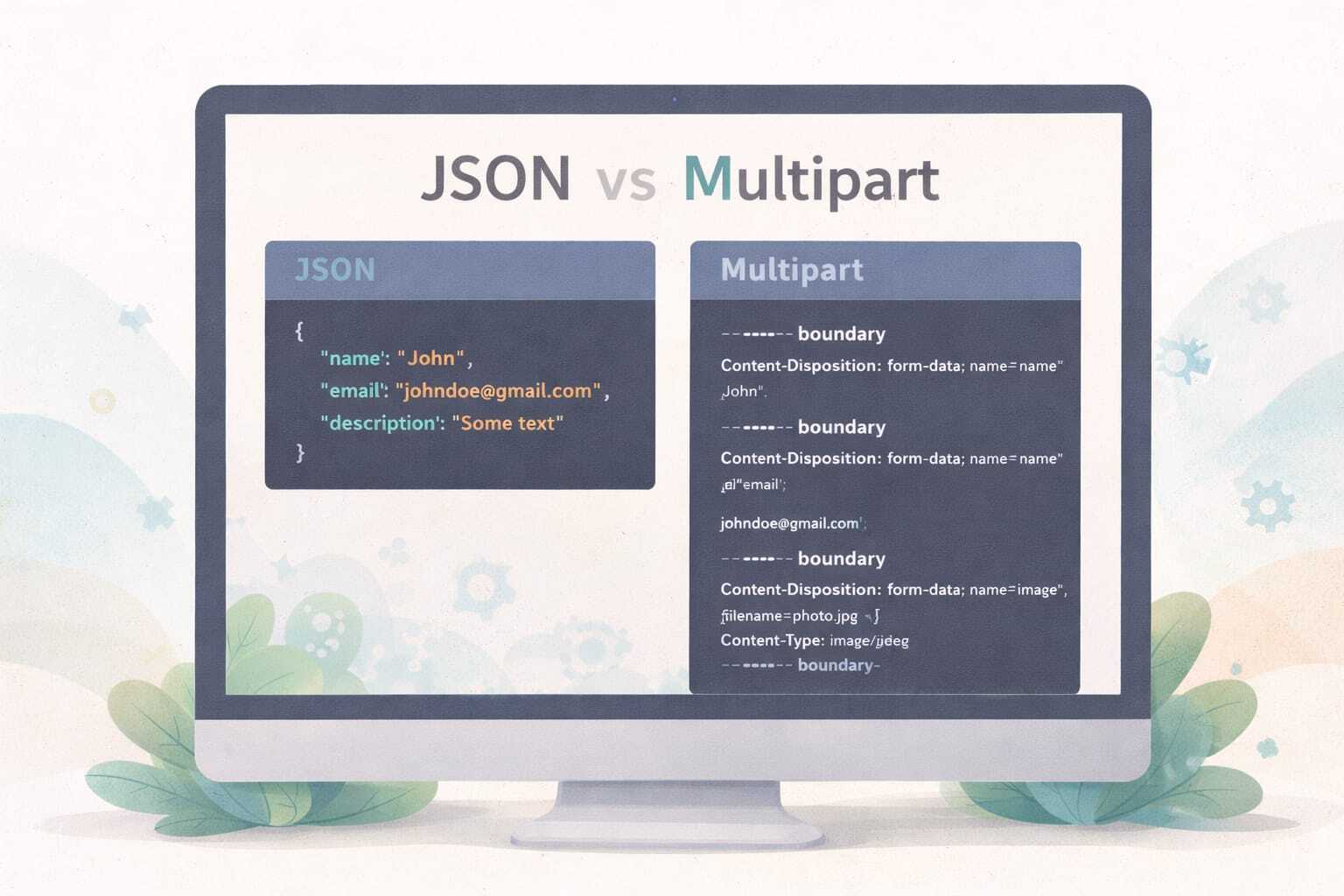
When the browser sends a multipart/form-data request, it doesn’t send it as a simple JSON object. Instead, it splits the request into multiple parts.
--boundary
Content-Disposition: form-data; name="name"

John

--boundary
Content-Disposition: form-data; name="email"

johndoe@gmail.com

--boundary
Content-Disposition: form-data; name="image"; filename="photo.jpg"
Content-Type: image/jpeg

(binary file data)

--boundary--
Each section is called a part, which is where the name multipart comes from.
How It Differs from JSON
JSON is clean and structured, but it only supports text-based data. A typical JSON request might look like:
{
  "name": "John",
  "email": "johndoe@gmail.com",
  "description": "Some text"
}
Notice that there is no way to directly include binary file data here.
That’s the limitation multipart/form-data solves.
Parsing multipart/form-data on the Backend
Since multipart/form-data is not as straightforward as JSON, it needs to be parsed before use.
{
  "name": "John",
  "email": "johndoe@gmail.com",
  "description": "Some text",
  "files": [
    {
      "filename": "photo.jpg",
      "contentType": "image/jpeg",
      "content": "<Buffer ff d8 ff e0 ...>"
    }
  ]
}
After parsing:
- Text fields remain strings
- Files become buffers with metadata (filename, type, etc.)
Important Caution: Never Set Content-Type Manually
One of the most common mistakes developers make is manually setting the Content-Type header like this:
Content-Type: multipart/form-data
This should not be done. The browser automatically sets the correct header:
Content-Type: multipart/form-data; boundary=----WebKitBoundaryXYZ
The boundary is critical. Without it, parsing may fail. That’s why it’s always advised not to set this header manually.
Why multipart/form-data Matters
multipart/form-data is fundamental for building modern applications that involve user uploads, forms, and media
handling.
Whether you're building a profile upload feature, a blog CMS, or a file-sharing platform, understanding how this
works gives you clarity on both frontend and backend communication.
In simple terms, whenever your data includes both text and files, multipart/form-data is the bridge that makes it possible to send everything together in one clean request.